
Job Application Tracker: How to Track Every Application (2026 Guide)
Track every application in one place: a free job application tracker template, the best apps compared, and how to automate status updates.

A job application tracker is a single place, usually a spreadsheet or an app, where you log every job you apply to with its status, contact and next step, so no follow-up slips. Start with our free job application tracker template, or use an app such as Teal, Huntr or Simplify that saves jobs in one click. If an AI job application bot applies for you, its built-in tracker records every application automatically.
Key takeaways
- Log each application the moment you send it: company, role, link, date, status, contact and next step.
- A free spreadsheet works for most searches; apps add one-click saving, reminders and autofill.
- Check your tracker daily for follow-ups and monthly for response, interview and offer rates.
- Follow up once, about a week after applying, and close stale entries so your pipeline stays honest.
- If a tool applies for you, use its tracker as the source of truth instead of logging twice.
Why use a job application tracker?
Job searches can take months. In September 2026 the median spell of unemployment in the US was 11.5 weeks and the average was 24.8 weeks, with 1.9 million people out of work for 27 weeks or more, according to the Bureau of Labor Statistics (Table A-12). Over that stretch, applications, recruiter names and interview dates blur together unless you write them down.
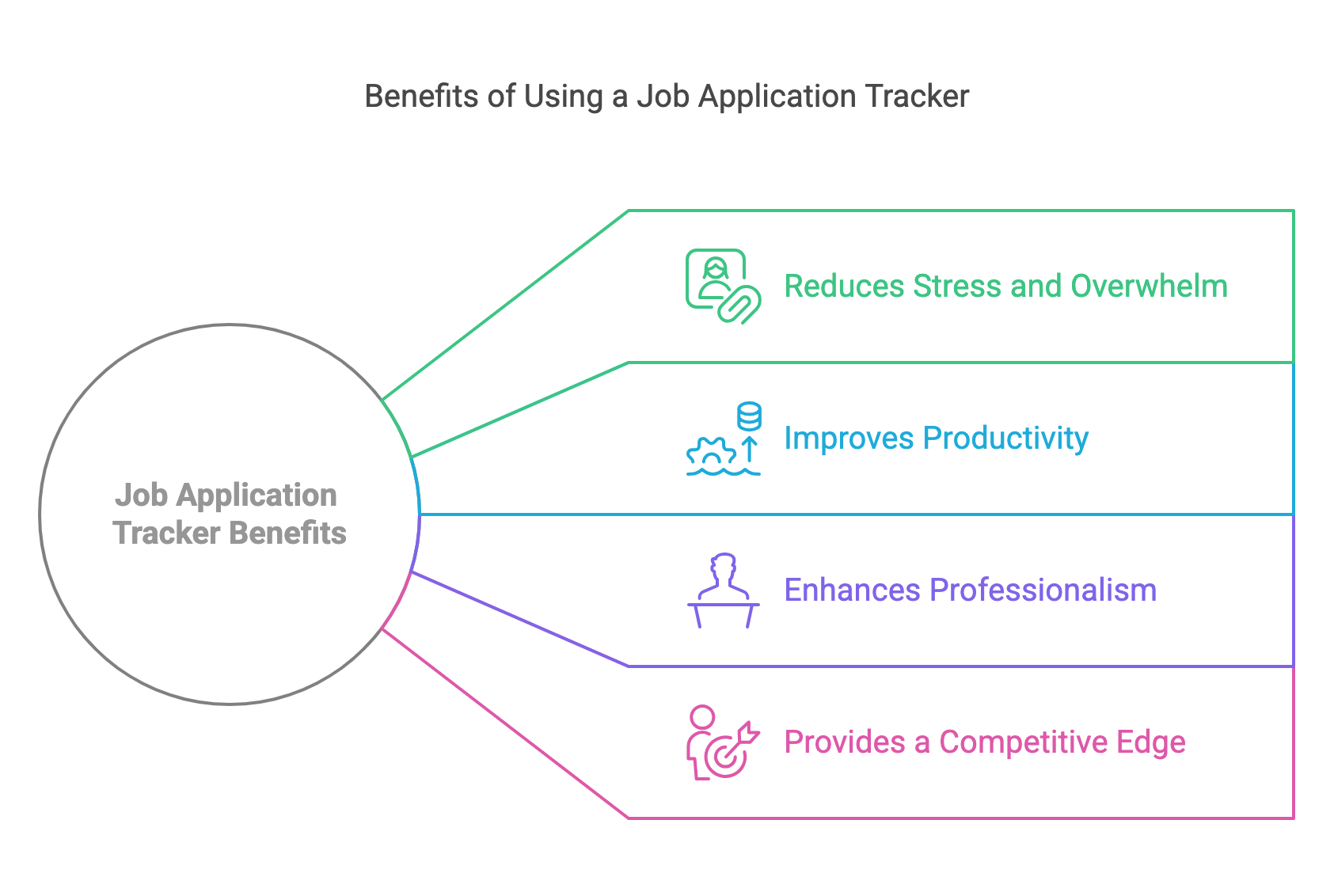
A tracker answers three questions at a glance: where you’ve applied, what’s waiting on you, and which follow-ups are due. It also turns your search into data, so you can see which job titles, sources and resume versions actually produce interviews.
Tracking gets easier when less of it is manual. JobsAICopilot’s AI job tracker fills itself: jobs found by automated job search appear as “Saved”, and applications sent by its AI automated job applications appear as “Applied”. If you apply by hand, the rest of this guide shows how to build the same system yourself.
What to track: the columns that matter
| Column | What to record | Why it matters |
|---|---|---|
| Company and role | Employer, exact job title, location or remote | The basics, written the way the posting wrote them |
| Posting link | URL plus a saved PDF of the description | Postings disappear; you’ll need the text before an interview |
| Date applied | The day you submitted | Tells you when to follow up and when to close |
| Source | Company site, LinkedIn, referral, recruiter, auto-apply | Shows which channels actually produce interviews |
| Resume version | File name or version label | Lets you see which resume works and resend the right one |
| Status | Saved, Applied, Screening, Interviewing, Offer, Closed | Your pipeline at a glance |
| Contact | Recruiter or hiring manager, with email | Makes follow-ups and thank-you notes possible |
| Next step and date | One concrete action with a deadline | The column that keeps the search moving |
| Notes | Salary range, questions asked, impressions | Preparation for later rounds and negotiation |
If you only keep three columns, keep status, next step and next-step date. Everything else helps, but those three are what stop applications from going quiet without you noticing.
Example entry
| Company and role | Date applied | Source | Status | Contact | Next step |
|---|---|---|---|---|---|
| Example Co., Data Analyst (remote) | Oct 1 | Company site | Applied | Jordan Lee, recruiter | Follow up by email on Oct 8 |
One row like this per application is enough. The next-step cell tells future you exactly what to do and when.
A simple status pipeline
Use the same stages for every application so you can sort and count them:
- Saved: you plan to apply.
- Applied: submitted, with the date logged.
- Screening: a recruiter call or assessment is scheduled or done.
- Interviewing: you’re in hiring-manager or panel rounds.
- Offer: you have a written offer to review or negotiate.
- Closed: rejected, withdrawn or no response; note which.
Move an application to Closed if you’ve heard nothing four weeks after your last follow-up. Keeping dead applications open makes your pipeline look healthier than it is.
How to set up a tracker in 15 minutes
- Copy a template. Our free job application tracker template already has the columns above. Copy it into Google Sheets or Excel.
- Turn status into a dropdown. In Google Sheets, use Data validation on the status column with your six stages, so spelling never breaks your counts.
- Highlight overdue follow-ups. Add conditional formatting to the next-step date column that turns a cell red when the date is earlier than today.
- Back-fill your history. Add the applications you’ve already sent, even roughly; reapplying to the same job by accident is a common mistake.
- Pin it. Bookmark the sheet or pin the app so opening it takes one click.
Spreadsheet, app or automated tracker?
Choose the format you’ll actually update. Saving a job should take seconds, reminders should find you rather than the other way round, and you should be able to export your data if you switch tools.
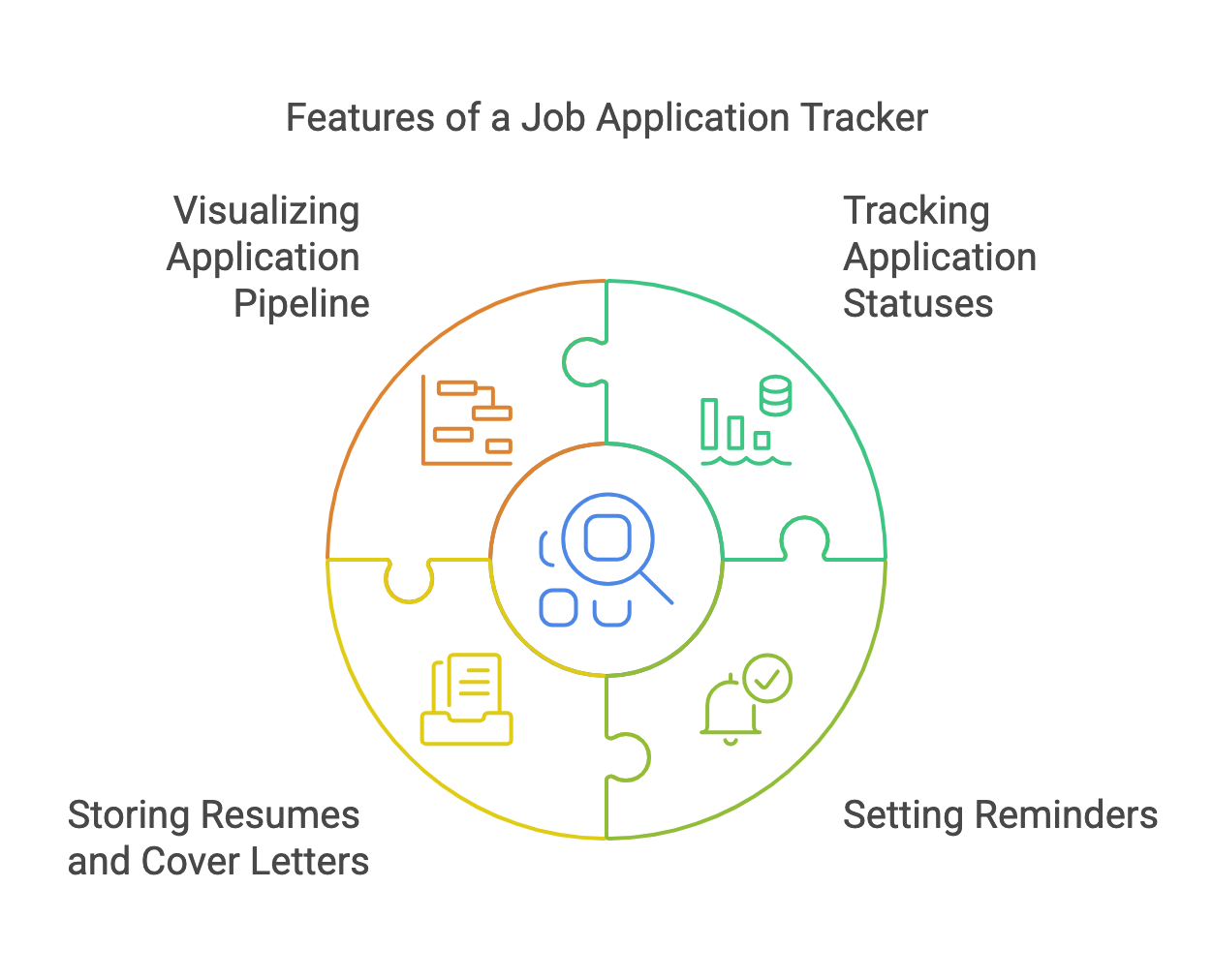
What to look for in a tracker app
- Fast capture: a browser extension that saves a posting in one click.
- Reminders: follow-up and interview dates that notify you, not just a date column.
- Documents: a place to attach the resume and cover letter version you sent.
- Contacts: recruiter and hiring manager details linked to each job.
- Insights: counts by stage and source, so you can spot what works.
- Export: a CSV or spreadsheet download, so your history isn’t locked in one app.
- Price: a free plan that covers tracking, with paid tiers only for extras you’ll use.
| Tracker | Price (October 2026) | Auto-apply | Logs applications automatically | Free plan or trial | Verdict |
|---|---|---|---|---|---|
| Spreadsheet template | Free | No | No | Free | Best for full control |
| Teal | Free; Teal+ $13/week | No | No, you save jobs in one click and update stages | Free plan with unlimited tracking | Best free app for manual searches |
| Huntr | Free up to 100 jobs; Pro $40/month | No | No, you clip jobs and update stages | Free plan; no Pro trial | Best for contacts and interviews |
| Simplify | Free | No | Yes, when you apply through its Copilot extension | Free | Best if you apply through many portals |
| JobsAICopilot AI Job Tracker | Included in Premium ($14.54/week) and Elite ($17.92/week) | Yes | Yes, every job the copilot saves or applies to | No free trial | Best when a bot applies for you |
JobsAICopilot is our product. Competitor prices were checked on Teal’s pricing page and Huntr’s pricing page on October 7, 2026.
Teal’s free plan includes unlimited job tracking with a Chrome extension; our Teal review covers it in depth. Careerflow bundles a tracker with resume and LinkedIn tools, as our Careerflow AI review explains. For eight trackers ranked side by side, see the best job application trackers.
Tracking applications on company career sites
Many employers run applications through systems such as Workday, where each company asks you to create a separate candidate account. Those accounts often show an application’s status, so add a column for the login email you used and keep the passwords in a password manager.
Check those portals when a follow-up is due rather than every day. If a status changes to “no longer under consideration”, close the entry in your tracker the same day so your counts stay accurate.
How to automate status updates
You can’t make employers update your tracker, but you can cut most of the typing:
- Save jobs with an extension. Teal, Huntr and Simplify all clip a posting’s title, company and link in one click.
- Let autofill log for you. Simplify records applications you submit through Copilot automatically; our guide to job application autofill tools compares the options.
- Filter your inbox. Create an email filter that labels messages containing phrases like “thank you for applying” or “your application”, then update statuses from that label once a day.
- Use one calendar. Put every interview and next-step date in your calendar with the company name in the title, so reminders come to you.
- Let the applying tool keep the record. If an auto-apply tool sends applications, its tracker is the most complete log you’ll have, so don’t keep a second copy by hand.
Follow-up scripts you can copy
One week after applying:
Hi [Name], I applied for the [Job title] role on [date] and wanted to confirm my application arrived. My experience with [one relevant skill or result] lines up closely with what the team needs. Is there an update on the hiring timeline?
Within 24 hours of an interview:
Hi [Name], thank you for your time today. I enjoyed hearing about [specific topic], and it confirmed my interest in the [Job title] role. I’m happy to share anything else that would help.
A week after the date they promised a decision:
Hi [Name], I’m following up on the [Job title] role. I’m still very interested and would be grateful for any update on next steps.
Log each follow-up in your tracker with its date. One follow-up per stage, plus one more if you hear nothing, is enough; after that, close the entry and spend the time on new applications.
Use your tracker to improve your search
Once a month, count three numbers: the share of applications that got any reply, the share that led to an interview, and the share of interviews that led to an offer. Compare them by source and by resume version.
Read them as diagnostics. A low reply rate usually points to targeting or your resume, so tighten the job titles you apply for and tailor more closely. Plenty of interviews but no offers points to interview preparation instead.
Volume matters too. If your reply rate is healthy but the totals are small, apply to more roles; our guide on how many jobs to apply for a day helps you set a realistic number.
A daily and weekly routine
- Every morning (10 minutes): sort by next-step date and send the follow-ups that are due.
- Every time you apply (1 minute): log the application before you close the tab.
- After every interview (5 minutes): note the questions, names and your impressions.
- Every Friday (15 minutes): close stale entries and look at the week’s replies.
Common mistakes
- Logging later. Reconstructing a week of applications from memory rarely works; log at the moment of applying.
- No next step. An application without a next action and a date is easy to forget.
- Two systems at once. Pick one tracker and keep it as the single source of truth.
- Never closing entries. A pipeline full of dead applications hides the live ones.
- Tracking applications but not people. Contacts and interview notes can make the difference in later rounds.
If keeping records is the part you’d rather not do, JobsAICopilot applies for you and logs every application automatically in its AI job tracker, with Review Mode if you want to approve each one first. Compare Premium and Elite on the pricing page, and find more guides in applying for jobs.
Applying for Jobs
Frequently Asked Questions
Still have a question?
Write to contact@jobsaicopilot.com or visit our contact page.
How can I track my job application?
Log each application the moment you submit it, in one place: a spreadsheet, a tracker app such as Teal, Huntr or Simplify, or the tracker built into your auto-apply tool. Record the company, role, link, date, status and next step. To check status with the employer itself, use the candidate portal where you applied or email the recruiter.
What is the best way to follow up on a job application?
Wait about a week after applying, then send one short, polite email to the recruiter or hiring manager. Name the role, restate one reason you're a strong fit and ask whether there's an update on the timeline. If you hear nothing, follow up once more a week later, then move on and log the outcome in your tracker.
What should a job application tracker include?
At minimum: company, job title, posting link, date applied, resume version, status, contact, next step and next-step date. Add salary range, source and interview notes if you'll use them. Also save a copy of each job description, because postings are often taken down after the deadline, just when you need them to prepare for an interview.
How do I make a job application tracker in Google Sheets?
Create a sheet with columns for company, role, link, date applied, source, status, contact, next step and next-step date. Use data validation to turn status into a dropdown, add conditional formatting to highlight overdue follow-ups, and sort by next-step date each morning. Or copy our free template, which already has these columns set up.
Is a job application tracker worth it?
Yes, once you're past a handful of applications. US Bureau of Labor Statistics data for September 2026 put the median spell of unemployment at 11.5 weeks, long enough for dozens of applications, contacts and interview dates to blur together. A tracker costs about a minute per application and makes follow-ups and response-rate checks possible.


